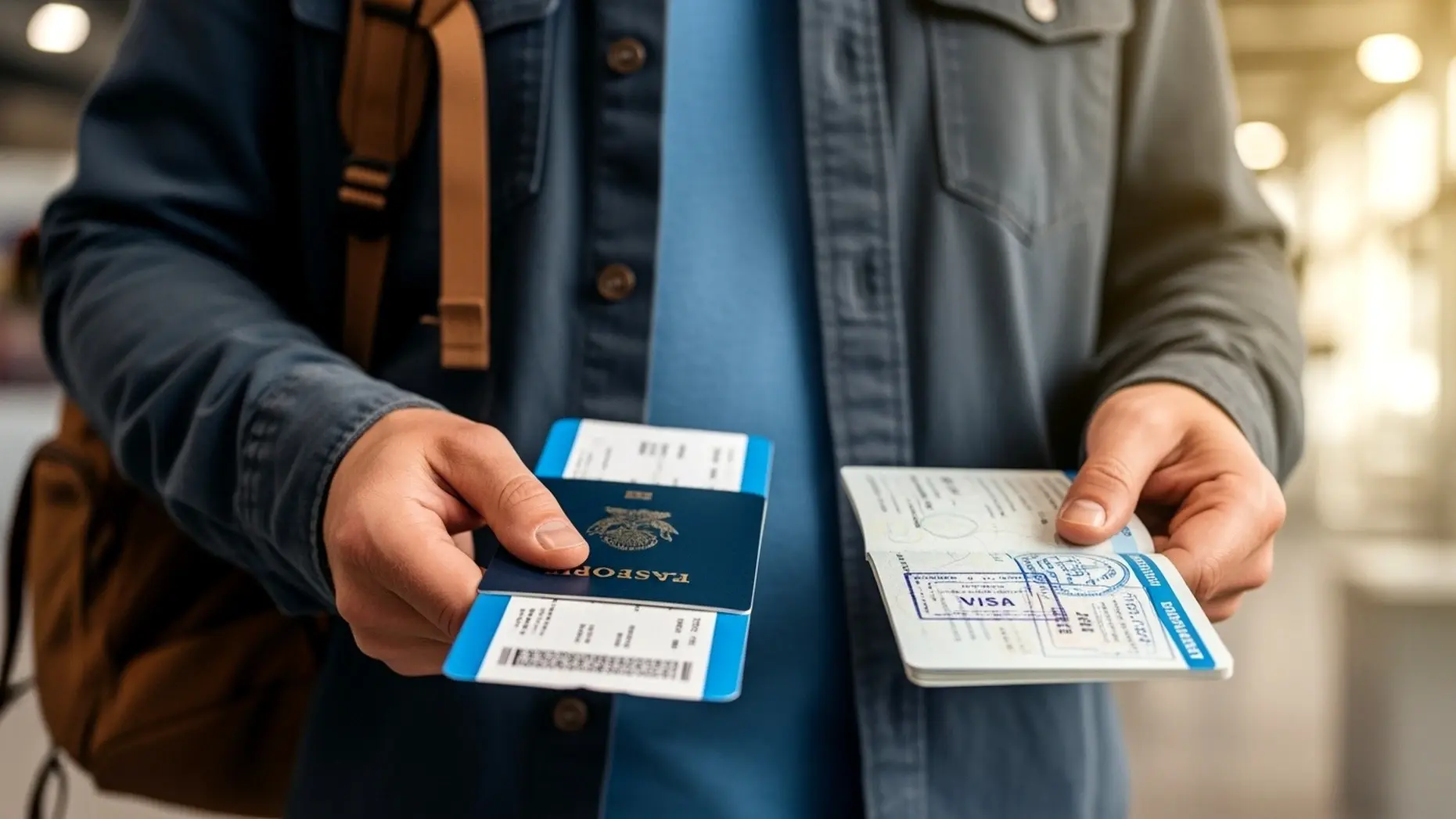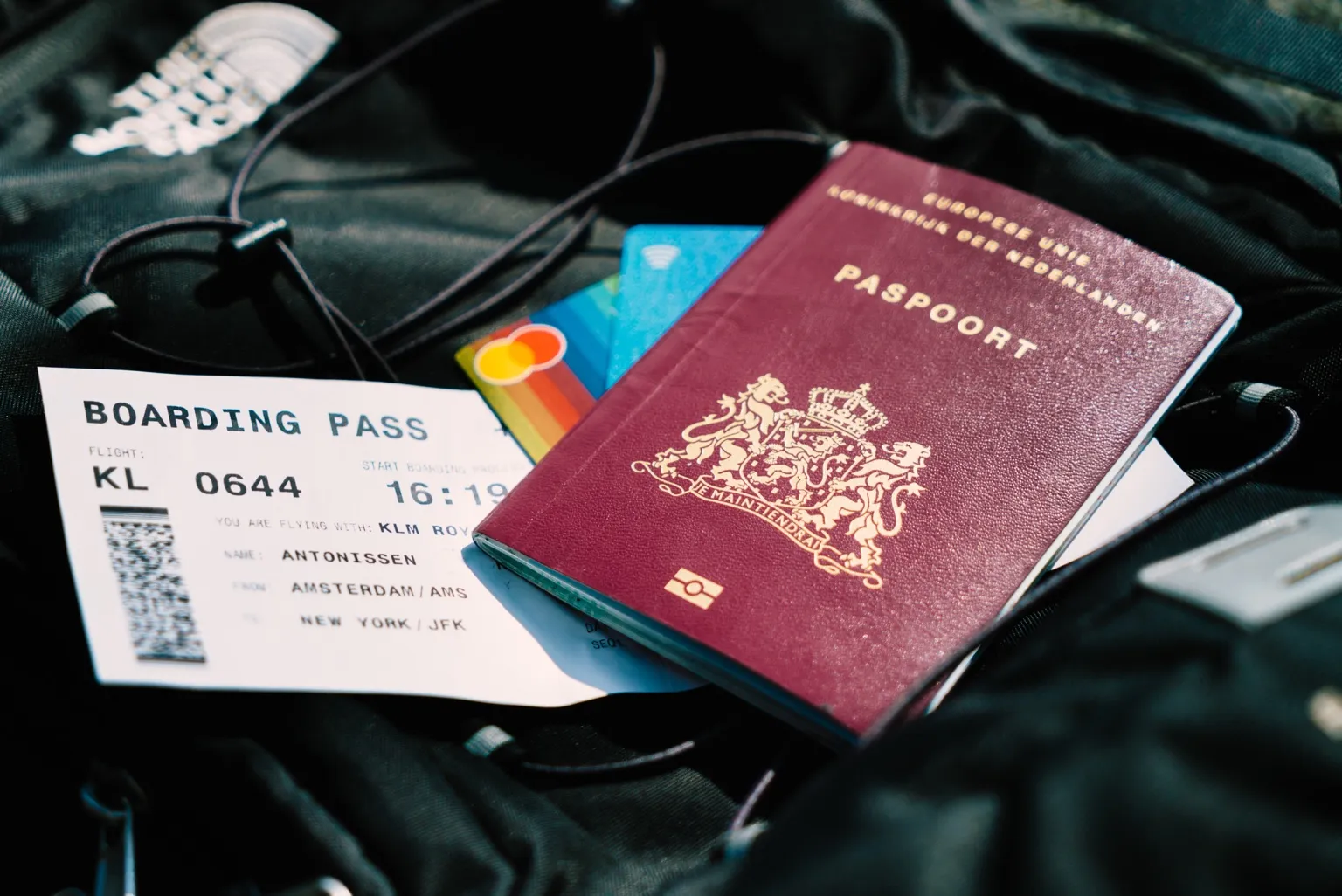
A flight itinerary for visa should include internal domestic flights when those legs are part of the trip you describe in your form, hotel bookings or cover letter. The domestic leg does not always need to be a fully paid ticket, but its passenger name, city pair, date, booking reference and sequence must make the whole route believable from arrival to departure.
Your international flight is not the only thing a visa officer reads for consistency. When your trip includes a domestic hop between cities, such as flying into Rome and then continuing to Palermo, the itinerary starts telling a bigger story. The file no longer proves only that you arrive and leave; it also shows whether your movement inside the destination country makes sense.
That is where many multi-city applications quietly weaken. The hotels show three cities, but the flight document shows only one arrival and one departure. The cover letter names a second city, but there is no route evidence connecting it. Or the domestic leg exists, but its date does not match the hotel checkout, insurance window or written travel plan.
This guide explains how to handle internal domestic flights inside a visa itinerary so the entire trip reads as one coherent plan instead of two disconnected bookings. The aim is not to add more paperwork for the sake of it. The aim is to include the domestic leg only when it helps the officer understand the route, then format it cleanly enough that it supports the application rather than creating a new question.
Key facts before adding domestic flights
- Include a domestic leg when your form, hotel proof or cover letter depends on that city movement.
- Do not add optional side trips that are not part of the submitted travel story.
- Domestic flight dates should match hotel checkout, hotel check-in and the written route.
- A reservation or itinerary can show planned travel without forcing a non-refundable paid ticket too early.
- Every leg should use the passport name, realistic airport codes, plausible timing and readable booking details.
In This Guide
- Official-source check
- Why domestic flights matter in a visa itinerary
- When to include or skip the domestic leg
- How to format international and domestic flights
- Domestic booking options and cost risk
- Route, date, hotel and cover-letter consistency
- What if domestic plans change after submission?
- Final multi-city itinerary checklist
- FAQ
Official-source check: The EU Visa Code requires applicants to present documents showing the purpose of travel, accommodation or accommodation means, and information that helps assess intention to leave before the visa expires. Its Annex II also lists itinerary-related documents and return or round-ticket reservation as possible supporting documents. France-Visas explains that, for multi-country Schengen trips, the responsible country is normally the main destination by duration, or first entry if no main destination can be identified. Sources: EU Visa Code and France-Visas FAQ.
Reviewed for: internal domestic-leg logic, Schengen route-date consistency, PNR terminology, hotel and cover-letter alignment, official-source scope and safe flight-reservation claims.
Why Domestic Flights Matter in a Visa Itinerary

A single international flight only tells the outer edge of the trip. It shows where you enter, where you leave and how long the overall journey lasts. Once the application mentions more than one city, the file also needs a believable movement plan inside that country or travel zone.
That movement plan does not always need to be complicated. For a simple tourist file, the officer may only need to see that your hotels, cover letter and flight dates point in the same direction. But if your trip depends on a domestic flight, the missing leg becomes noticeable because the rest of the file already asks the reviewer to believe that route.
The difference between entry/exit flights and internal movement
Entry and exit flights answer the border question: when do you arrive and when do you leave? Internal domestic flights answer a different question: how do you move between the places you say you will visit? A Rome arrival and Rome departure can support the outer frame of a trip, but it does not explain why your hotel proof jumps from Rome to Palermo unless the city movement appears somewhere else in the file.
This is why a flight reservation for visa should be treated as part of the full document packet, not as a standalone PDF. The reservation supports the travel story only when the name, route, dates and booking details match the visa form, accommodation proof, insurance dates where required and cover-letter timeline.
For Schengen applications, this becomes especially important because the itinerary can also affect main-destination logic. If your file says you spend four nights in Rome, three in Palermo and two in Naples, your domestic movement helps explain the actual pattern of stay. If the movement is missing, the officer can still see the hotels, but the route looks less complete.
When a missing domestic leg makes the file look incomplete
Here is the common pattern. An applicant books hotels in Milan, Florence and Rome. The accommodation dates are clear. The cover letter describes a city-by-city holiday. But the flight itinerary shows only an international arrival in Milan and an international departure from Rome. There is no train booking, no domestic flight, no route note and no explanation of how the traveler moves between the cities.
That does not automatically mean the file fails. Many travelers move by train, bus or car inside a country. The problem appears when the file implies a fixed internal movement but gives the reviewer no evidence or explanation for it. A planned domestic flight is one clean way to close that gap when the route depends on air travel.
When you add the domestic leg, keep these details aligned:
- The domestic departure date should match the hotel checkout or city-change date.
- The arrival city should match the next hotel, host address or event location.
- The passenger name should match the passport and international flight reservation.
- The booking reference or PNR should be readable when it appears on the document.
- The timing should be physically realistic after long-haul arrival, immigration and airport transfer.
A one-day mismatch can look small to the applicant, but it becomes more visible in a file with multiple cities because every document is cross-checking the others. The more moving parts you include, the more carefully the timeline needs to hold together.
Rome-to-Palermo, Paris-to-Nice and similar examples
Imagine a ten-day Schengen trip. The applicant flies from New York to Rome, spends four nights in Rome, then flies to Palermo for three nights before returning to Rome and flying home. The international reservation is clear. The domestic Rome-to-Palermo leg is the part that turns the file from a simple round trip into a multi-city route.
If the hotel dates already show Palermo, the domestic leg gives the officer a practical explanation for how the applicant gets there. If the flight is scheduled too tightly after a long-haul arrival, however, it creates the opposite effect. A same-morning domestic flight might work with enough buffer, but a twenty-minute connection from a different airport looks careless.
The same principle applies to Paris-to-Nice, Madrid-to-Barcelona, Delhi-to-Goa or Bangkok-to-Phuket. A domestic leg is useful when it makes the route easier to understand. It is not useful when it adds an unrealistic connection, a conflicting date or a city that your other documents never mention.
When to Include or Skip the Domestic Leg
The decision is not “always include domestic flights.” The better question is whether the domestic leg is part of the travel story you are submitting. Visa officers do not need every possible movement inside your holiday. They need enough evidence to understand the route you are asking them to assess.
Include the domestic leg when the application depends on it
Include the domestic flight when your documents already make that movement important. If your cover letter says you will attend meetings in two cities, your hotel proof is split across regions, or your itinerary describes a fixed city sequence, then the domestic flight becomes part of the evidence trail.
This is especially relevant when the domestic movement affects:
- where you spend the most nights;
- which city or country is the main destination;
- whether your event, hotel, invitation or host address makes sense;
- how your trip length matches leave approval, school dates or business timing;
- whether your return route is practical after the last city.
In those cases, a domestic flight is not extra decoration. It helps the officer follow the same route you describe elsewhere.
Skip the domestic leg when it is optional or undecided
Do not over-document optional side trips. If you might take a day trip by train, decide later whether to visit a nearby city, or keep one weekend flexible, adding a domestic flight can create unnecessary precision. A visa file should be clear, but it should not pretend that a flexible idea is already a fixed booking.
Optional domestic plans are usually better handled in the cover letter as flexible tourism notes, not as formal flight evidence. The moment you add a dated reservation, the rest of the file needs to support that date. If the date is not real or not stable, the reservation can make the application look less reliable.
Use a written explanation when the domestic leg is not a flight
Not every city movement needs air travel. In many Schengen files, the internal move is more likely to be by train. In island destinations, a ferry may be more realistic. In some countries, a domestic bus, hired car or private transfer is normal. If your movement is not a flight, do not force a flight reservation just because the article is about itineraries.
The clean approach is to make the transport method visible enough for the route to make sense. If you enter by air and move later by train, the flight itinerary can still do its job for arrival and exit, while the cover letter or travel plan explains the internal transfer. For deeper route planning, use BookForVisa’s visa flight itinerary requirements guide as the parent framework.
How to Format International and Domestic Flights Together
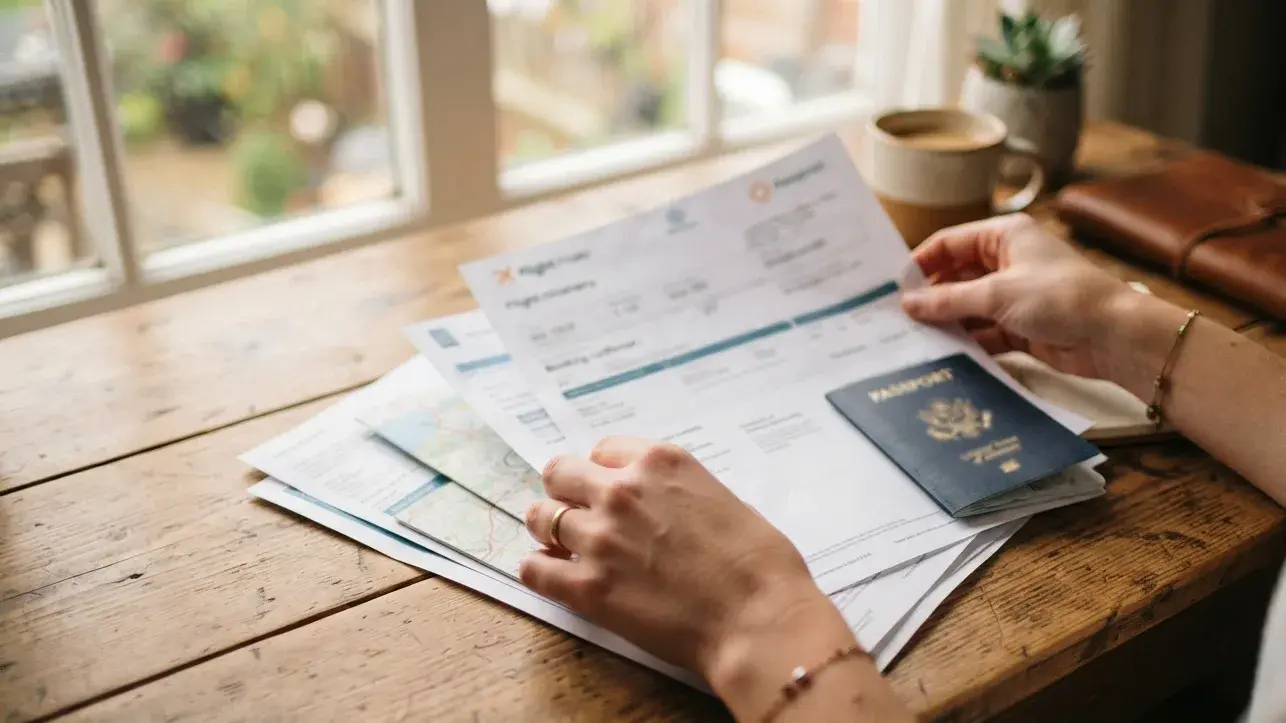
Once you decide the domestic flight belongs in the file, the formatting has to be clean. A strong mixed itinerary is chronological, easy to scan and consistent across names, dates, routes and booking references.
Keep the route chronological
The itinerary should normally follow the order of travel. Start with the international arrival, then show the domestic movement, then show the final departure. This sounds obvious, but many weak files group international and domestic documents separately, forcing the reviewer to reconstruct the trip manually.
A simple chronological order might look like this:
- New York to Rome — international arrival.
- Rome to Palermo — domestic flight after the Rome stay.
- Palermo to Rome — domestic return or onward city movement.
- Rome to New York — international departure.
If the domestic leg is one-way only, explain why the next movement is handled differently. For example, Palermo to Naples might be by train or ferry. The file does not need every transport receipt, but the route should not leave a gap that contradicts the written plan.
Use realistic airport codes and connection times
Airport codes are small details, but they carry a lot of meaning. A domestic flight out of the wrong airport can confuse the file even when the reservation itself is legitimate. The city should match the hotel location, the route should match the travel plan and the transfer time should be believable.
Connection timing deserves special attention when the domestic leg happens soon after international arrival. A traveler landing at 8:00 a.m. may not realistically catch a domestic flight from another airport at 9:00 a.m. after immigration, baggage claim and transfer. The issue is not only whether the connection is technically possible; it is whether the itinerary looks like something a real traveler would choose.
Use a practical buffer. If your international arrival, domestic departure, hotel check-in and first activity all happen on the same day, the timeline should not look squeezed. A file that gives itself breathing room feels more prepared.
One PDF or separate documents?
A single chronological itinerary PDF is usually easier to review when the domestic leg is part of the same planned route. The officer can see the full sequence without flipping between disconnected confirmations. This is useful for multi-city tourism, business trips with meetings in more than one city, and Schengen files where the main destination depends on city-by-city stay length.
Separate documents can still work when the domestic flight is issued by a different carrier, when the formats are too different to combine cleanly, or when the domestic booking is added later. In that case, label the files clearly and make sure the same route appears in the cover letter.
Whether the documents are combined or separate, each submitted flight leg should show:
- passport-matching passenger name;
- departure and arrival cities or airport codes;
- travel date and realistic flight time;
- booking reference or PNR when available;
- status wording that does not falsely imply a fully paid ticket if it is only a reservation.
Domestic Booking Options and Cost Risk
Once the domestic leg is needed, the next question is what kind of booking to use. The answer depends on cost, flexibility, timing and how certain your internal route really is.
When a paid domestic ticket is reasonable
Domestic flights can be cheap enough that paying for the ticket is not a major risk. A short low-cost carrier route may cost less than the effort of arranging a temporary hold, especially if the travel date is firm and the fare is acceptable.
A paid domestic ticket can make sense when:
- the fare is low and you are comfortable losing or changing it;
- the internal city order is fixed;
- the event, meeting, hotel or host date is already confirmed;
- the domestic carrier does not offer useful holds;
- the booking helps simplify a multi-city file.
Still, do not buy a domestic ticket just to make the application look stronger if the dates are unstable. A paid ticket with the wrong date is weaker than a properly aligned reservation.
When a reservation is the safer choice
A reservation is usually safer when your domestic dates may move, your visa appointment is still far away, or your travel plan depends on approval timing. The main benefit is flexibility: you can show the intended route without locking money into an internal flight before the application decision is clear.
This is the same logic that applies to international flight proof. Many visa checklists ask for travel-plan evidence, not necessarily a fully purchased fare. A reservation can support the application when it is accurate, current and aligned with the rest of the file.
For applicants who need the domestic and international legs built together, BookForVisa can prepare a complete flight reservation strategy around the full travel window instead of treating each leg as an isolated document.
When leaving the domestic leg out is cleaner
Leaving the domestic leg out is cleaner when the movement is undecided, optional, local or already clear through another document. For example, if the trip is mostly based in one city and you might take a short side trip later, adding a domestic flight reservation can over-complicate the file.
The rule is simple: if the domestic flight helps explain the submitted route, include it. If it creates a fixed commitment that your other documents do not support, leave it out or explain the movement more broadly.
Route, Date, Hotel and Cover-Letter Consistency
Most itinerary problems are not caused by the domestic flight itself. They are caused by contradictions around it. A domestic leg can be perfectly formatted and still weaken the file if it disagrees with the cover letter, hotel booking, insurance dates or application form.
Match domestic flights to hotel dates
Hotels create the clearest timeline. If the hotel in Rome ends on 10 April and the hotel in Palermo begins on 10 April, the domestic flight between Rome and Palermo should usually sit on that same date. If it appears on 9 April or 11 April without explanation, the reviewer has to wonder which document is wrong.
Before submission, compare:
- international arrival date against first hotel check-in;
- first hotel checkout against domestic departure;
- domestic arrival against next hotel check-in;
- final hotel checkout against international departure;
- insurance start and end dates against the full route.
This check is quick, but it catches the kind of errors that make multi-city files look careless.
Make the cover letter mirror the route
The cover letter should not tell a different story from the itinerary. If the letter says “I will visit Rome, Palermo and Naples,” the flight and hotel documents should make that sequence easy to follow. If the letter says the trip is mainly for a Rome conference, but the domestic flight sends the applicant to another city for most of the stay, the purpose becomes less clear.
Write the route in plain order. Do not over-explain every hour of the trip. The officer should be able to scan the letter, itinerary and accommodation proof and see one shared calendar.
Separate PNR from e-ticket number
A PNR or booking reference can support a reservation record, but it is not automatically an e-ticket number. A paid ticket and a reservation are related but different. If the document is a reservation, do not use wording that falsely suggests it is a fully issued ticket. If it is a paid domestic ticket, make sure that status does not contradict your claim that you are avoiding full purchase before approval.
This distinction matters because officers are usually checking coherence, not only document appearance. The document should say what it is, show the route clearly and avoid creating a stronger claim than the booking can support.
What If Domestic Plans Change After Submission?
Visa timelines rarely match travel timelines perfectly. You may submit the application weeks before departure, then adjust the order of cities after an appointment shift, hotel change or event update. The domestic leg is often the part of the trip most likely to move.
Why locking domestic dates too early can backfire
Locking a domestic flight too early can create unnecessary pressure. If the visa appointment moves, if processing takes longer, or if your internal route changes, the domestic ticket may no longer match the file. A rigid paid booking can also create change fees or lost fare value.
The real problem is not that plans changed. The problem is letting one document change while the others stay old. If you update the domestic leg, also check the cover letter, hotel dates, travel insurance and any day-by-day plan.
How to refresh a domestic reservation cleanly
If the domestic flight changes before submission, update the itinerary before uploading or printing the file. If it changes after submission but before the appointment, bring the updated version and keep the explanation simple. The new document should support the same trip logic unless the trip itself genuinely changed.
A clean refresh process looks like this:
- Confirm the new city order and travel dates.
- Update the domestic leg first if it controls hotel movement.
- Update hotel proof and cover-letter route wording.
- Check insurance dates if the travel window changed.
- Bring the updated itinerary and avoid submitting conflicting versions.
If your visa has already been issued, the domestic route usually becomes a travel-planning matter rather than a consular review issue. You should still keep your actual border-facing travel documents coherent, especially entry and exit flights, but most internal city movement is not re-reviewed by the embassy after the decision.
When a fresh reservation is better than explaining a mismatch
If the domestic leg no longer matches the hotels or cover letter, do not rely on a long explanation when a corrected reservation would solve the problem. A reviewer should not need to decode your file. The cleaner route is to update the document so the passenger name, route and dates speak for themselves.
This is where a structured booking workflow helps. If your domestic dates are likely to move, use a flexible reservation approach rather than a fixed document that becomes stale before the appointment.
Need a flight itinerary that includes domestic legs? Prepare a clean BookForVisa reservation with international and internal route dates aligned before you submit your visa file.
Create Your Flight ReservationFinal Multi-City Itinerary Checklist
Before you submit a visa file with internal domestic flights, check the whole route as one story. Do not review the international flight, domestic leg, hotels and cover letter separately. Review them together, in date order.
Before submission, confirm:
- Your CMS title, form route and cover-letter route describe the same trip.
- Your international arrival leads naturally into the first hotel or host address.
- Your domestic flight date matches city change and hotel dates.
- Your return or exit flight leaves from a city that makes sense after the final stay.
- Your PNR or booking reference is readable where included.
- Your passenger name matches the passport across every flight document.
- Your travel insurance dates cover the full declared travel window where required.
- Your domestic leg is included only because it supports the submitted route.
A multi-city itinerary does not need to be complicated. It needs to be believable. When the domestic flight exists because the trip depends on it, include it cleanly. When the city movement is optional, do not turn it into unnecessary paperwork. The strongest file is the one where every document supports the same route without forcing the officer to guess.
FAQ
Do I need to include domestic flights in a visa itinerary?
Include domestic flights when they are part of the route described in your visa form, hotel proof or cover letter. If the domestic movement is optional or undecided, it may be cleaner to explain the trip more broadly instead of adding a fixed flight reservation.
Can a domestic flight be a reservation instead of a paid ticket?
Yes, when the checklist accepts travel-plan evidence, a domestic leg can usually be shown as a reservation or itinerary rather than a fully paid ticket. The important point is that the route, dates, passenger name and booking details match the rest of the visa file.
Should international and domestic flights be in one PDF?
A single chronological PDF is often easier to review when all legs belong to the same trip. Separate documents can still work if they are clearly labeled and the cover letter explains how the domestic movement fits the full route.
What if my domestic flight changes after visa submission?
If the change happens before the appointment, update the itinerary and any matching hotel or cover-letter details. If the visa has already been issued, domestic route changes are usually a travel-planning issue, but your entry and exit proof should still remain coherent.
Does a missing domestic leg cause visa rejection?
A missing domestic leg does not automatically cause rejection. It becomes a problem when your other documents clearly depend on that city movement and the file gives no explanation for how you travel between those places.
What is the biggest mistake with domestic flights in visa files?
The biggest mistake is date contradiction. If the domestic flight, hotel checkout, next hotel check-in, cover letter and insurance dates do not align, the itinerary can create doubt even when the booking itself looks clean.
Friendly reminder: BookForVisa provides travel-proof documents for planning and visa-application support. Requirements vary by destination, consulate, visa category and applicant situation. A flight reservation can support a file, but it does not guarantee approval, boarding or entry.