Searching for a dummy ticket rather than a visa flight reservation? DummyFlights covers that in its guide to what a dummy ticket is. On BookForVisa you can order a flight reservation for visa for $15 per person, with a PNR valid for 48-72 hours.
Visa paperwork often becomes stressful at the flight-proof step. You may not want to buy a non-refundable ticket before a decision, but the application may still ask for a flight itinerary, reservation or travel plan. Online flight reservation services exist for that gap: they help you show intended travel without forcing you to lock the final ticket too early.
This guide covers online order entry, document delivery and post-order review. For the full booking process from the official checklist onward, use the visa flight booking walkthrough; for checking a delivered booking reference, use the reservation verification checklist.
In This Guide
For the complete strategy behind reservations, tickets and timing, read the flight reservation for visa complete guide. That pillar explains the wider decision, while this page focuses specifically on booking a reservation online.
How Online Flight Reservation Booking Works
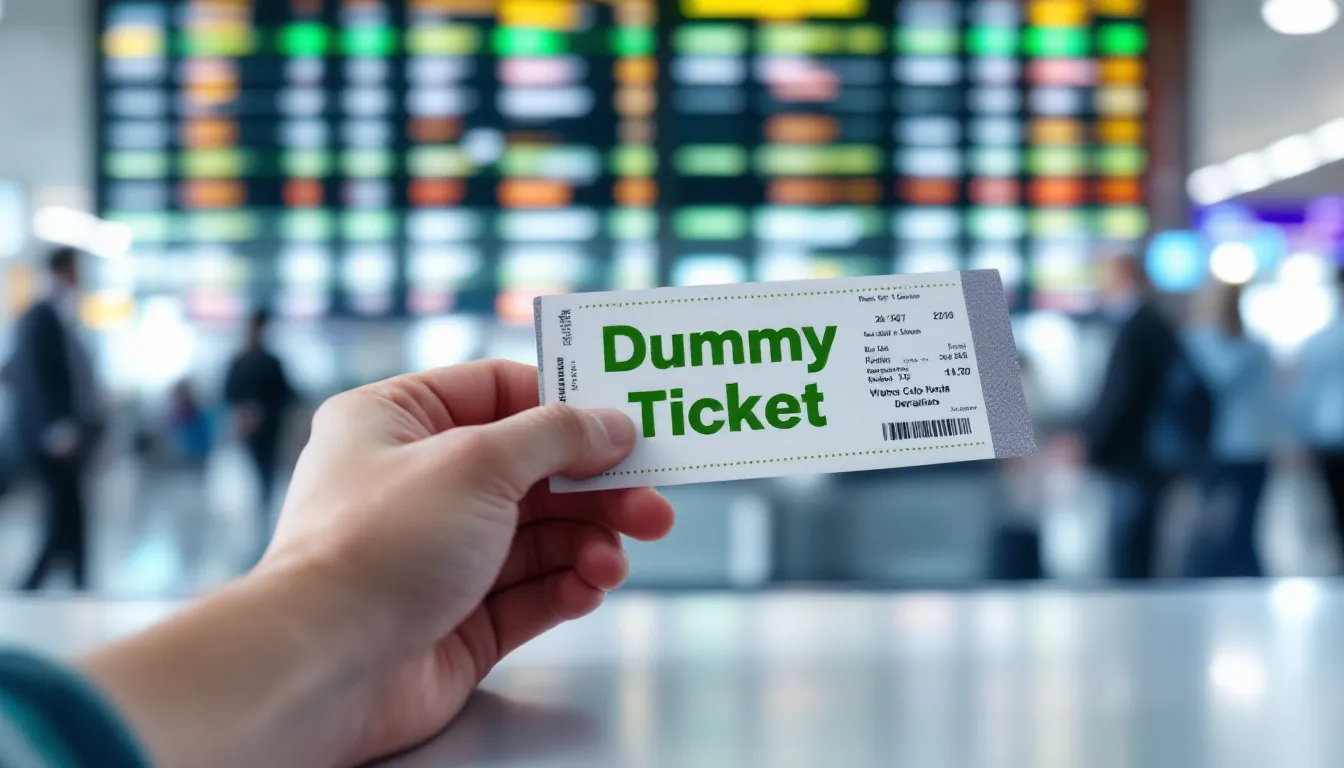
The online process should be simple, but simple does not mean careless. You enter passenger details, travel dates and route preferences. The provider prepares a reservation or itinerary document that reflects those details. You review it against your visa form before submission.
Step 1: Lock The Application Travel Window
Do not start by chasing flight times. Start with the dates your application will use. Those dates should already make sense with leave approval, hotel booking, insurance, invitation and the reason for travel. Once the window is clear, the flight reservation can be built around it.
Step 2: Choose A Realistic Route
A strong route is easy to explain. For tourism, a round-trip or logical open-jaw route often reads cleaner than a complicated multi-stop chain. For study, work or relocation, one-way or flexible routing may be reasonable when the visa type and documents support it.
Step 3: Check Passenger Details
Name errors are one of the easiest problems to avoid. Use the passport name as the source of truth. If the booking system compresses middle names or removes spaces, make sure the identity still maps clearly to the passport and application form.
Step 4: Download And Compare Before Uploading
Before uploading the reservation, compare it with the rest of the file. The flight document should not be the first place you notice a date mismatch. Check the form, cover letter, hotel dates, insurance period, invitation and leave approval in one pass.
If you need the basic vocabulary before booking, the flight reservation for visa guide explains how a reservation differs from a ticket, itinerary and booking reference.
What A Clean Online Reservation Should Show
A clean reservation is not about heavy design. It is about clear fields that help someone understand the trip quickly.
| Field | Why it matters | Common mistake |
|---|---|---|
| Passenger name | Connects the reservation to the passport and application | Nickname or spelling mismatch |
| Route | Shows entry and exit logic | Unnecessary detours or wrong destination |
| Dates | Must match form, hotels and insurance | One-day gap or old travel window |
| Booking reference | Helps identify the reservation when available | Internal code presented as airline PNR |
| Status wording | Clarifies whether it is a reservation or ticket | Calling it paid when it is not ticketed |
| Provider details | Shows where the document came from | No traceable source or contact path |
PNR, Reference And Ticket Number
A PNR or booking reference can be useful, but it should not be exaggerated. Some reservations are retrievable for a limited period, while some agency references are internal. A ticket number normally suggests ticket issuance. Do not add a ticket number or ticketed status unless that is actually true.
Hotel And Insurance Alignment
The reservation should sit inside the same calendar as hotel proof and insurance. If your flight arrives on April 5, hotel proof should cover the first night unless your itinerary clearly explains otherwise. If insurance ends before the return flight, fix the insurance or flight window before submission.
Risks Of Free PDFs And DIY Reservations

The danger with free or DIY documents is not that they are cheap. The danger is that they are often static, inconsistent or manually edited. A visa file becomes weaker when the flight proof cannot be connected to a real booking process or when the details contradict the rest of the evidence.
Red Flags To Avoid
- Passenger name does not match the passport.
- Dates differ from the visa form or hotel booking.
- Flight numbers do not match the route shown.
- PDF uses obvious editing marks or inconsistent fonts.
- Reference number cannot be explained.
- Route creates a transit or entry problem not addressed elsewhere.
- Document claims paid ticket status without ticket evidence.
Why DIY Shortcuts Create More Work
A quick edited PDF can look convenient until someone asks for clarification. Then you need to explain why the record cannot be found, why the dates changed or why the airline details do not make sense. It is usually easier to use a clean reservation from the start than to repair a questionable document later.
Verification Is More Than A PNR Search
Applicants often think verification means only “can the PNR be searched?” In practice, many reviews begin with consistency. Does the name match? Do the dates match? Does the route make sense? Does the trip length fit the stated purpose and finances? Even a technically valid reservation can hurt the file if it tells a different story.
Which Online Reservation Style Fits Your Visa Situation?
Not every applicant needs the same type of flight evidence. The online reservation should match the reason the visa office asks for travel plans. A tourist file, family-visit file, business file and long-stay file can all read differently, even when the reservation format looks similar.
Tourist Visa Or Short Visit
For tourism and short visits, the reservation usually needs to show a clear return plan. A round-trip route with sensible dates normally fits better than an open-ended or one-way plan. The hotel dates should sit between arrival and departure, and the trip length should match the budget and leave evidence.
- Best fit: round-trip or simple open-jaw reservation.
- Primary check: return date and accommodation dates align.
- Avoid: one-way proof unless the checklist and purpose support it.
Family Visit Or Invitation-Based Travel
For family visits, the reservation should match the host’s invitation window. If the host says they can receive you from June 5 to June 15, avoid submitting a flight plan that arrives June 20. A mismatch here can make the invitation look disconnected from the actual trip.
- Best fit: dates anchored to the invitation period.
- Primary check: arrival before or during the host availability window.
- Avoid: extending the stay beyond what the host letter supports.
Business, Conference Or Event Travel
For business travel, the reservation should support the meeting or conference timing. Arriving one day before and leaving shortly after the event usually reads cleaner than a long unexplained stay. If the employer or host organization covers costs, the travel evidence should match that sponsorship timeline.
- Best fit: route and dates tied to event schedule.
- Primary check: arrival and return match business purpose.
- Avoid: extra leisure-looking days unless the file explains them.
Study, Work Or Long-Stay Planning
For study, work or relocation-style applications, a one-way or flexible reservation may be more natural than it would be for tourism. The key is whether the reservation matches the start date, reporting date, university letter, employer document or entry conditions. Do not force a visitor-style return ticket if the real file is about a longer stay.
- Best fit: entry timing that matches the long-stay purpose.
- Primary check: start date and arrival date make sense.
- Avoid: making the trip look like tourism if the supporting documents say otherwise.
Keep One Consistent Set of Visa Documents
One subtle problem with online reservations is document overlap. Applicants sometimes create flight proof, hotel proof, cover letter dates and insurance dates separately. Each document looks fine alone, but together they describe slightly different trips. That is the real cannibalization inside the file: one document stealing trust from another.
Build One Calendar First
Before ordering the reservation, create a simple calendar with arrival date, first night, main destination days, final night and departure date. Then make every document follow that calendar. This avoids the common mistake of ordering a flight reservation first and then forcing hotels or insurance to catch up.
Use The Same City Names Everywhere
City names should be consistent. If the flight arrives in Paris but the hotel is in Saint-Denis or the trip is described as France tourism, that may be fine, but the schedule should explain it naturally. If the route arrives in one country while the cover letter talks only about another, tighten the wording before submission.
Keep Old Drafts Out Of The Upload
Do not upload earlier drafts just because they show “more evidence.” More documents are not always better. A clean final set is stronger than a large set with old versions, cancelled bookings or alternative reservations.
How BookForVisa Fits The Online Booking Workflow
BookForVisa is best used as a document-support step inside a larger visa checklist. You provide the travel details, the reservation is prepared around the travel window, and you review the output before submitting it. The value is speed, clarity and consistency, not a promise about the visa decision.
What To Prepare Before Ordering
- Passport name exactly as used in the application.
- Departure city and destination city.
- Planned travel dates.
- Visa type and trip purpose.
- Hotel or host dates if already available.
- Any route preferences or transit concerns.
What To Check After Receiving It
- Name spelling and order.
- Departure and return dates.
- Route and airport codes.
- Booking reference or document reference.
- Consistency with hotel, insurance and cover letter.
- Whether the document wording matches reservation status.
Need online flight evidence for a visa application?
When To Buy The Final Ticket
Buy the final ticket when the visa result, travel dates and fare rules make sense for your budget. If the checklist specifically requires a paid ticket, follow that instruction. Otherwise, many applicants wait until the decision is clearer so they do not create avoidable change or refund problems.
Before purchasing, compare the final ticket with the reservation you submitted. Small time differences are normal. Large date, route or destination changes should still fit the visa validity and the trip purpose. Your final travel should not contradict the permission you received.
Final Online Reservation Checklist
- Primary travel window is locked before ordering.
- Name matches passport and visa form.
- Route is realistic and easy to explain.
- Dates match hotels, insurance and invitation evidence.
- Reservation status is not overstated as a paid ticket.
- Only one final version is submitted.
- Any refresh keeps the same trip story unless documents are updated.
- Final ticket is purchased only when timing and fare rules make sense.
Booking a flight reservation online can make the visa-document process calmer when it is done honestly and consistently. The strongest document is not the flashiest PDF. It is the one that fits your passport, route, dates and supporting evidence without forcing extra explanation.
FAQs About Booking Online Flight Reservations For Visa
Can I book a flight reservation online for a visa application?
Yes. Many applicants use an online flight reservation or itinerary to show intended travel dates before buying a final ticket, as long as the document matches the visa checklist and the rest of the application.
Is an online flight reservation the same as a paid ticket?
No. A reservation or itinerary can show planned travel, but it is not always a fully paid ticket. Do not describe it as ticketed unless a ticket number has actually been issued.
Do visa offices require a paid ticket before approval?
Some checklists ask for a flight itinerary or reservation rather than a paid ticket. Several official sources also warn applicants not to buy non-refundable tickets before a decision unless specifically required.
What should an online visa flight reservation show?
It should show the passenger name, route, travel dates, airline or flight details where available, booking reference when available, and a trip window that matches forms, hotels, insurance and invitation dates.
Are free flight-reservation PDFs risky?
They can be risky if they are manually edited, unverifiable, inconsistent or not tied to a real reservation process. The issue is not price alone; it is whether the document is accurate and traceable.
Can I use one reservation for Schengen, UK or Japan visa files?
You can use a reservation when the relevant checklist accepts that type of travel evidence, but each destination has its own document rules. Always match the itinerary to the specific visa checklist.
When should I create the online reservation?
Create it after your travel window is stable enough to match your forms, hotels and supporting documents. If you create it too early, it may expire or no longer match the final submission dates.
Can I change the reservation after submitting the visa application?
You can often refresh or change a reservation if dates move, but avoid multiple competing versions. If the change is material, follow the official update process for your application.
Should the hotel booking match the online flight reservation?
Yes. Flight dates, hotel dates, travel insurance, leave approval and invitation timing should describe the same trip. Date gaps are one of the fastest ways to weaken the file.
Where can I create an online flight reservation for visa documents?
Use a provider or booking channel that gives a clear reservation document with correct passenger details, realistic routing, matching dates and support if you need a corrected version.
Important disclaimer: This article is general travel-document guidance, not legal advice and cannot predict any visa outcome. Visa checklists, reservation expectations, airline booking rules and document-upload procedures vary by country, visa type and application office. Always follow the latest official checklist before submitting or purchasing travel documents.
Friendly reminder: BookForVisa provides travel-proof documents for planning and visa-application support. Requirements vary by destination, consulate, visa category and applicant situation. A flight reservation can support a file, but it does not guarantee approval, boarding or entry.